SPY1500RMi2U
Symphony 1.5kVA, 2U rack/tower
36 VDC battery, IEC C14 input, four protected and four programmable C13 outlets.
Five minutes of checking saves a call-out. These apply to Tempo, Echo and Symphony alike.
Two people for anything heavy
A Symphony 10kVA battery module is over 60 kg and an Echo 3kVA is 27 kg. Move rack equipment boxed, and never lift by the front or rear panel.
Let a cold unit warm up
Equipment brought in from the cold carries condensation, which is a shock hazard. Echo asks for two hours to acclimatise.
Check the plate
Confirm the name plate matches your supply and your total load before you connect the first cable.
Earth it properly
Every range must be earthed. Tempo needs a two-pole, three-wire earthed socket on a TN supply. Symphony 6 and 10kVA are hard wired, earth first, by a qualified electrician.
Nothing odd on the output
No power strips or surge suppressors from a UPS output, and no laser printers or scanners on a Tempo.
Charge before you trust it
Tempo needs eight hours, Echo about five to reach 90%, and a new Symphony 1.5 or 3kVA needs 72.
Setting up a Tempo is not the same job as setting up a Symphony. Find your range first, then work through the steps below.
Tempo
Line-interactive tower
TMP850IEC, TMP1200IEC, TMP2200IEC. Plug-and-socket install with no configuration menu. Sits on a desk or a shelf, protects a workstation or a small comms position.
Output is a stepped sine wave, so it suits IT and office loads rather than equipment that needs a true sine supply.
Echo
Short-depth online rack
ECH1000RMi2U, ECH2000RMi2U, ECH3000RMi2UER. Built for cabinets where depth is the constraint, at 428 mm on most models.
Settings only persist after the unit is shut down completely on battery, which catches people out.
Symphony
True online rack and tower
SPY1500RMi2U and SPY3000RMi2U on IEC connectors, SPY6KiRT and SPY10KiRT on terminal blocks. The range with video guides, further down this page.
6kVA and 10kVA units are hard wired and need a qualified electrician. Up to three can run in parallel.
Video guides currently cover the Symphony range. Each one runs through unpacking, orientation, battery and supply connection and first power-on. Tempo and Echo are covered by the written steps below and by their manuals.
SPY1500RMi2U
Symphony 1.5kVA, 2U rack/tower
36 VDC battery, IEC C14 input, four protected and four programmable C13 outlets.
SPY3000RMi2U
Symphony 3kVA, 2U rack/tower
72 VDC battery, IEC C20 input, one C19 and eight C13 outlets across two groups.
SPY6KiRTB and SPY6KiRT
Symphony 6kVA
Terminal-block input and output, 192 or 240 VDC battery, up to six external battery modules.
SPY10KiRTB and SPY10KiRT
Symphony 10kVA
Terminal-block input and output, parallel operation of up to three units for critical loads.
The order matters on every range. Where a step differs between Tempo, Echo and Symphony, the difference is called out. Hard-wired systems need a qualified electrician.
Step 1
Unpack it in the right place
Move rack and battery equipment to its final position while still boxed, and unpack with two people. A Symphony 10kVA battery module is over 60 kg, an Echo 3kVA with internal batteries is 27 kg, and a Tempo 2200 is 10.4 kg. Keep the packaging until you have checked for damage.
Step 2
Let a cold unit warm up
Equipment brought in from the cold carries condensation, which is a shock hazard. Echo systems ask for two hours to acclimatise. Symphony manuals say to wait until the unit is completely dry inside and out. Do not power anything before then.
Step 3
Give it room to breathe
Echo needs 200 mm behind and 250 mm each side. Symphony needs 200 mm behind on 1.5 and 3kVA, and 500 mm on 6 and 10kVA. A Tempo tower wants clear airflow and at least 200 mm from a monitor to avoid interference. Never block the vents, and keep all of them out of sunlight and damp.
Step 4
Get the supply right
Tempo plugs into a two-pole, three-wire earthed socket and is for TN systems only. Echo ships with a cord and plug, but an external switchable breaker should still be fitted upstream, and it supports TN, IT and TT. Symphony 6 and 10kVA are hard wired: earth first, D-curve breaker at 63 A or 80 A, 10 mm² protective earth, upstream breaker open before you start. Every range must be properly earthed.
Step 5
Connect battery modules with the unit off
Tempo has internal batteries only, so there is nothing to add. Echo takes up to four external battery cabinets, daisy-chained. Symphony takes four modules, or six on 6 and 10kVA, with runs under 10 m. On both, the UPS must be completely off, the module cable comes off the module first, and polarity must not be reversed. A small arc on connection is normal.
Step 6
Check the plate, connect the load, power on
Confirm the name plate matches your supply and total load. On Tempo, press the power switch; it starts on battery the same way if there is no mains. On Echo and Symphony, hold the button for more than three seconds until the buzzer sounds and the self-test runs. A Symphony cold start is a short press between 100 ms and one second, and only works if the unit has run from utility at least once.
Step 7
Charge before you rely on the runtime
Tempo needs at least eight hours plugged in with no load for full rated backup. Echo reaches 90% in about five hours on standard models. A new Symphony 1.5 or 3kVA needs 72 hours. Any system that has been in storage needs a full charge, and batteries should be recharged at least every six months.
Step 8
Set it up for the site
Tempo has no settings menu, it simply works. Echo and Symphony both default to 230 V output, with ECO and bypass disabled until you enable them. On Echo, settings are only saved once the unit has shut down completely on battery, so cut the mains, wait a minute and restart before assuming a change has stuck.
Step 9
Keep the wrong things off the output
Do not run power strips or surge suppressors from a UPS output, and do not protect laser printers or scanners with a Tempo. Keep output cable runs under 10 m on Echo and Symphony to avoid radio interference, and communication leads under 3 m on Echo.
Then
Connect it to your monitoring
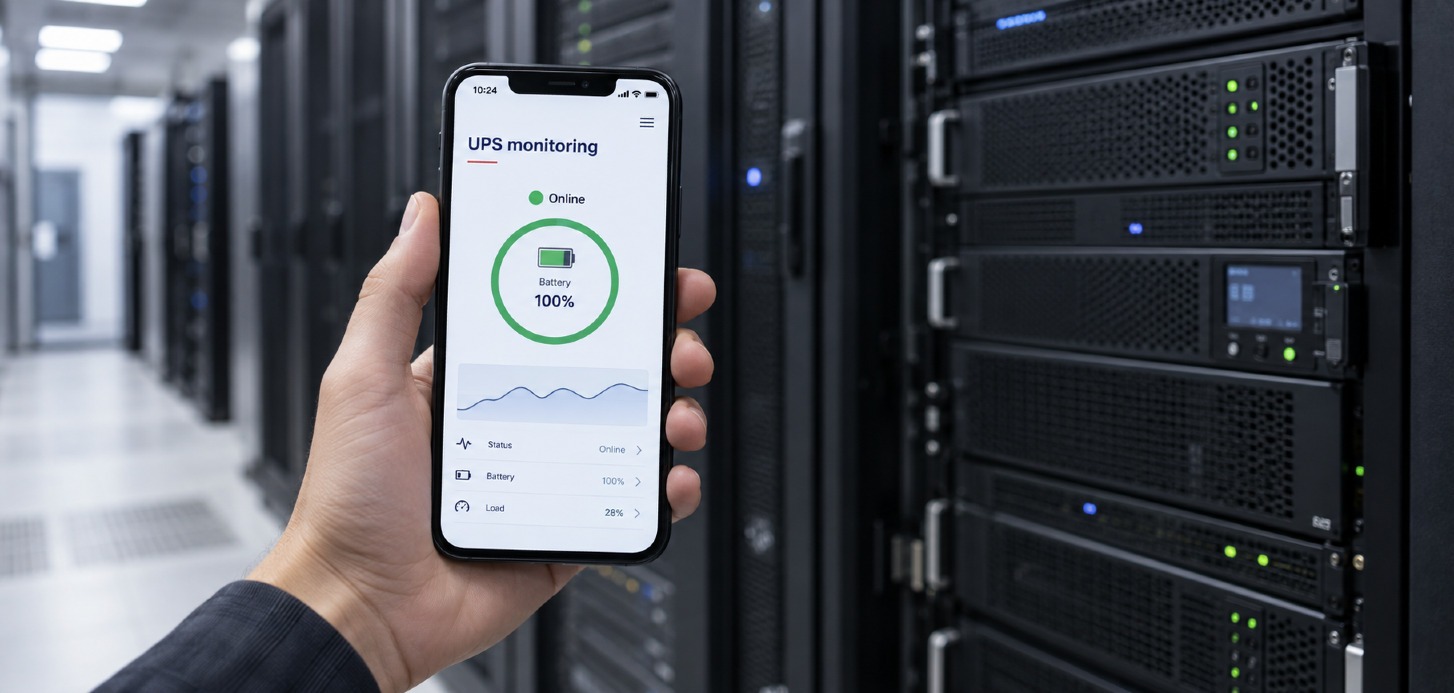
Tempo connects over USB. Echo and Symphony take a UPNETG2 card for network monitoring, or connect over USB or RS232 to a host running WinPower G2. SPS G2 handles clean shutdown on the machines that need it, and the Uniti Power IoT app puts status and alerts on a phone.
Batteries are the part of a UPS most affected by where you put it. The manuals put optimal battery temperature at 20 to 25 °C on every range.
Tempo
Echo
Symphony 1.5kVA and 3kVA
Symphony 6kVA and 10kVA
The three ranges tell you what is happening in different ways. Tempo speaks through its LCD, Echo and Symphony through indicator lights, the screen and the buzzer.
Tempo
A blank screen usually means a flat or failed battery, or that the power switch has not been pressed. A continuous tone with healthy mains means the unit is overloaded.
Echo
Codes worth knowing: 10 output short circuit, 22 overload, 23 over temperature, 57 battery not connected, 59 charger failure, 60 emergency power off active.
Symphony
The backlight dims after ten minutes and any button wakes it. Holding ESC for three seconds silences the alarm until the next event.
Alarms on any range
Internal faults such as DC bus or inverter voltage alarms are not user serviceable. Note the code or message on screen and contact technical support.
The full manual, when you need it
These guides cover getting a system running. The user manual for your model covers wiring diagrams, parallel operation, the full settings menu, maintenance and the complete alarm list. Tempo and Echo systems have their own manuals, and our technical support team can help with anything the documentation does not answer.

Prevention is better than a cure
Speak to our team