
Prevention is better than a cure
Speak to our teamWinPower G2 runs as a service on a host machine and manages the devices around it. SPS G2 installs on the servers and workstations that need to shut down cleanly when the load moves to battery.
Cross-Platform Monitoring
Manage multiple UPS and PDU devices via Windows, Linux, and macOS.
Remote Shutdown Control
Automatically protect servers using VMware, IPMI, SSH, NetApp and more.
Secure Web Interface
Access from any browser using HTTPS, with user permissions and LDAP login.
Client Shutdown with SPS
Install SPS on client devices for graceful shutdowns triggered by power events.
Multi-Site Management
Organise devices by site or group, with dashboards tailored to user roles.
Compliance & Security
Built to OWASP standards, aligned with enterprise cybersecurity requirements.
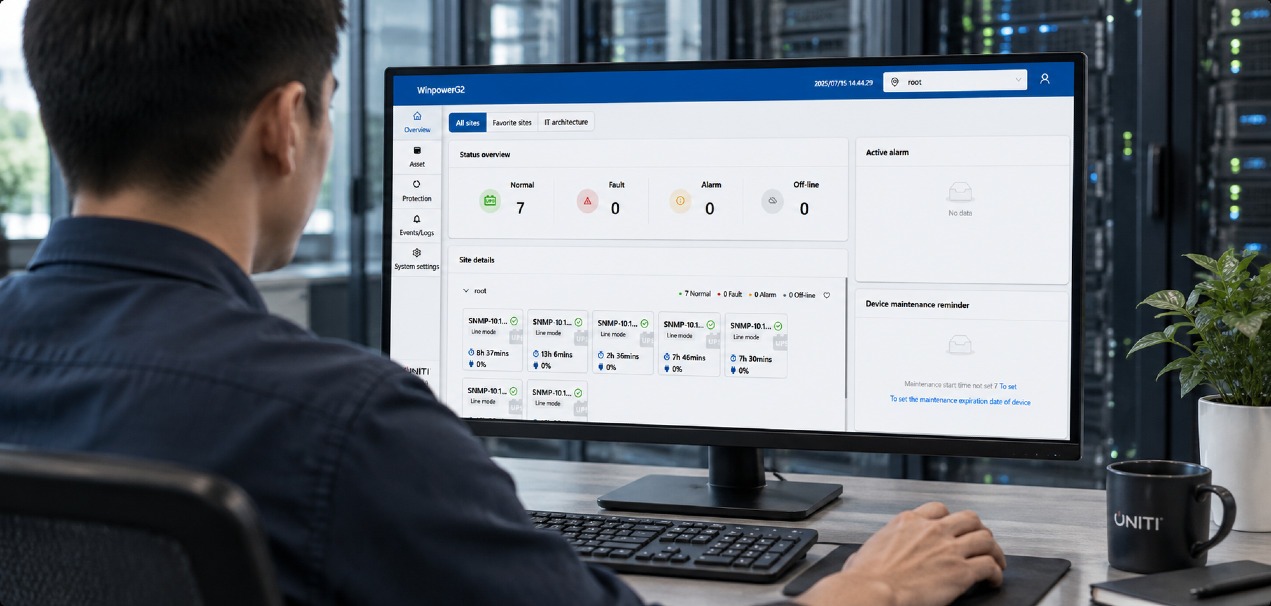
One console, every site
WinPower G2 discovers your power devices and protected systems, then polls them or receives push events continuously. Real-time status, alarms and trends sit on dashboards governed by user permissions, with historic logs covering user actions, notifications, shutdown and Wake-on-LAN. When your chosen condition is met, WinPower G2 runs the relevant shutdown plan.
Five steps from a fresh install to a tested shutdown plan.
Install WinPower G2
Install on your monitoring host, open the required ports, open the web interface and change the default admin password.
Discover devices
Add UPS systems over MQTT for UPNETG2, SNMP for NMC G1 and third-party cards, USB or RS232 locally, or Modbus TCP.
Add protected systems
VMware vCenter and ESXi, IPMI, SSH, NetApp and SPS G2 hosts.
Define shutdown conditions
Trigger on remaining battery time, battery capacity, discharge duration, or the UPS reporting that it is about to shut down.
Deploy SPS G2 and test
Install on client machines, set the delay, add optional scripts, choose the shutdown action, then run a test.
Open the ports below between the WinPower G2 host, the network management cards and any SPS G2 clients.
Supported environments
Network and ports
System requirements
Current builds and documentation for WinPower G2 and SPS G2.
Yes. A UPS can be connected directly to the WinPower G2 host over USB or RS232, and IoT-enabled units can be read over Modbus TCP. A UPNETG2 card is needed where the UPS has to be monitored remotely or managed alongside other devices on the network.
Yes. G2 PDUs are monitored over SNMP, with outlet-level control and the option to group outlets and switch them together.
You set the condition, such as remaining battery time, battery capacity, discharge duration, or the UPS reporting that it is about to shut down. When it is met, WinPower G2 runs the shutdown plan: notifying SPS G2 clients, shutting down virtual infrastructure through VMware, IPMI, SSH or NetApp, and performing a timed UPS output off.
The free edition supports up to 100 power sources. A licence raises that limit and enables monitoring of third-party devices over RFC1628.
Prevention is better than a cure
Speak to our team